
PDF to Calendar Converter
Convert PDF Schedules to Google Calendar Events. Easily convert schedules from PDF or images into clean calendar format.
Secure
Your files are processed securely and automatically deleted after conversion. We never store your schedule data.
Smart Conversion
Our intelligent system recognizes various schedule formats and converts them accurately to calendar events.
Reliable Support
Having trouble with a conversion? Contact our support team and we'll help you get it right.
How it works
From a photo to a full calendar in four simple steps.
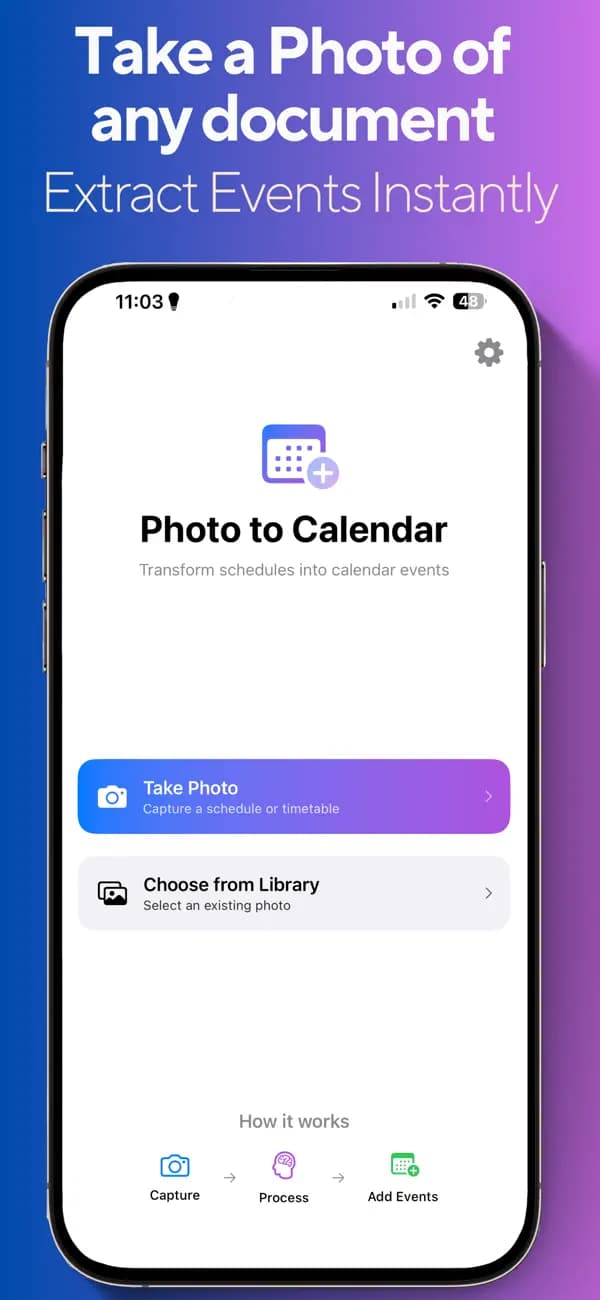
Snap a photo
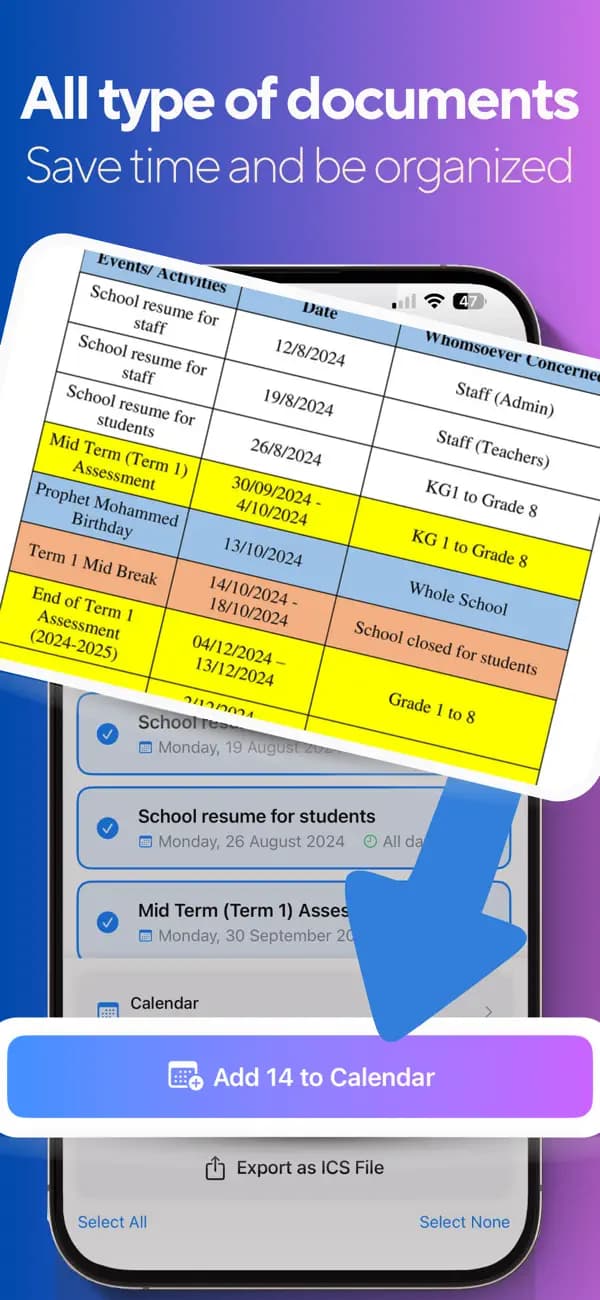
Take a photo of any schedule, timetable, or agenda — or import a PDF.
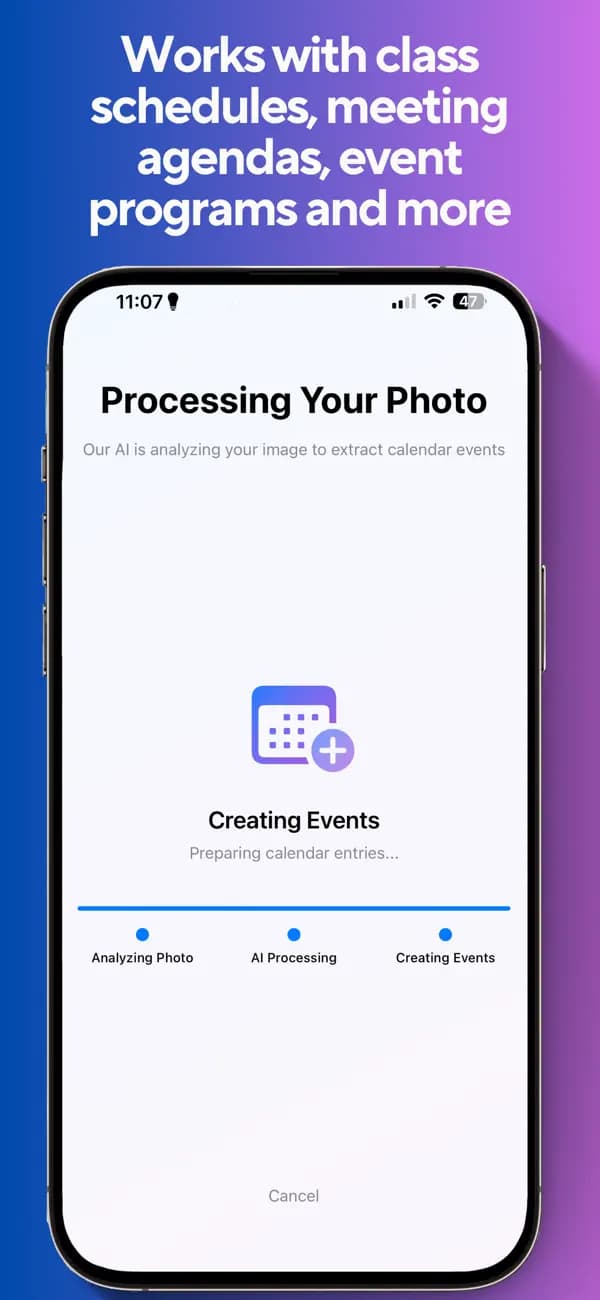
AI extracts events
The app analyzes your document and pulls out every date, time, and detail.
Review & select
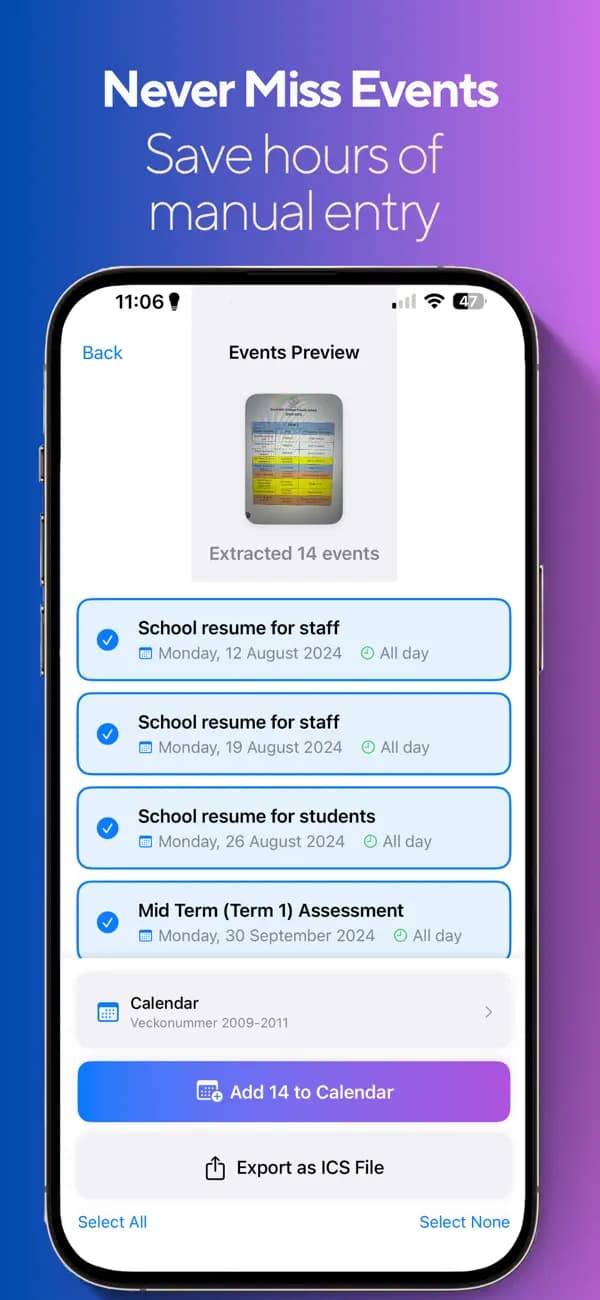
Check the events it found and choose which ones to add.
Import to calendar
Send them straight to your calendar — or export an ICS to share.
See it in action
A clean, intuitive interface that does the tedious work for you.
Everything you need to ditch manual entry
Powerful AI, thoughtful design, and your privacy by default.
Advanced AI extraction
Pulls dates, times, and descriptions out of any schedule photo or PDF automatically.
Works with anything
Class schedules, meeting agendas, event programs, timetables — if it has dates, it works.
Choose your calendar
Pick exactly which calendar to import your events into. No mess, no duplicates.
Export & share ICS
Generate a standard .ics file you can open anywhere or share with anyone.
Privacy focused
Your documents are processed and discarded. No personal data is stored.
Clean, intuitive interface
Snap, review, import. The whole flow takes seconds, not minutes.
Perfect for busy schedules
Students
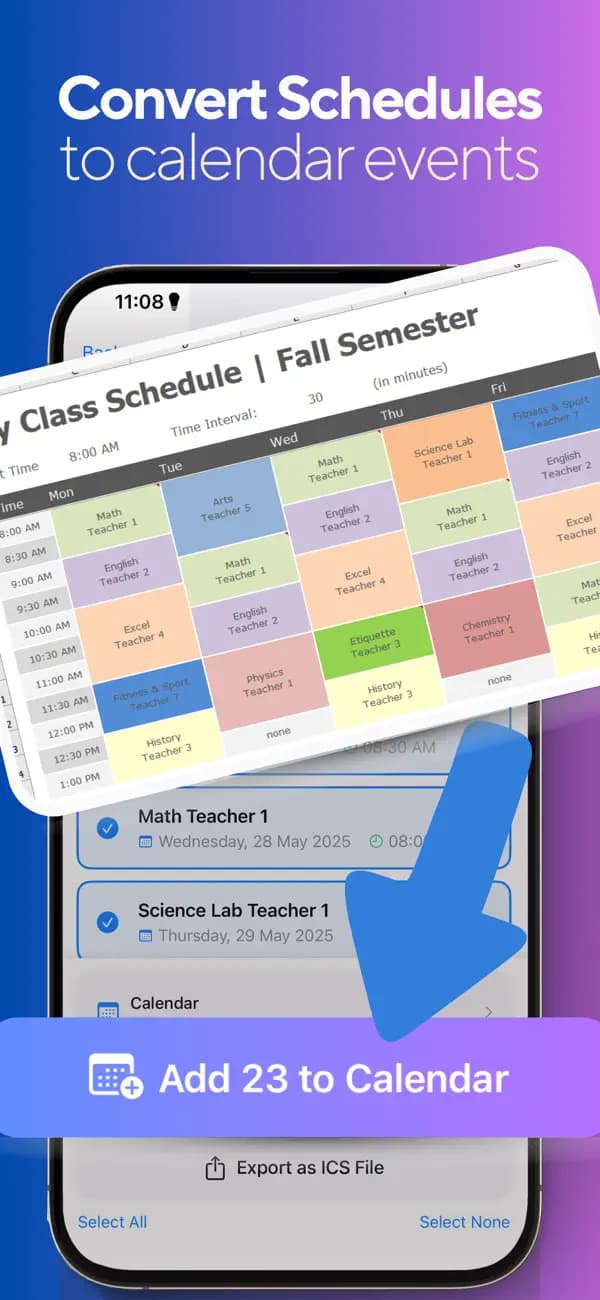
Turn a class schedule photo into a full semester of calendar events.
Professionals
Keep every meeting and agenda item in sync without manual entry.
Event planners
Convert event programs into shareable, importable calendars in seconds.
Frequently asked questions
How does it turn a photo into calendar events?+
Take a photo of any schedule or timetable and the app’s AI reads it, extracting every date, time, and description. You review what it found and import the events to your calendar.
What file types work?+
Photos and screenshots of schedules, plus PDF documents. Class schedules, meeting agendas, event programs, and timetables all work great.
Can I export an ICS file?+
Yes. The app generates a standard .ics calendar file you can import into Apple Calendar, Google Calendar, Outlook, or share with anyone.
Is my data private?+
Privacy is a priority. Documents are processed to extract events and are not stored — no personal data is kept after your conversion.
What devices are supported?+
iPhone and iPad on iOS 17.6 or later, plus Mac (Apple silicon) and Apple Vision Pro.
Stop typing schedules by hand
Snap a photo, let the AI do the rest, and never miss an event again.